Tides and currents for sea kayakers
Slackwater is a free tide and current app for iPhone, iPad and Apple Watch. It answers the questions a paddler asks before a crossing: when the pass goes slack, how long it stays slow enough for you, and whether the answer will still be there at a launch with no signal.
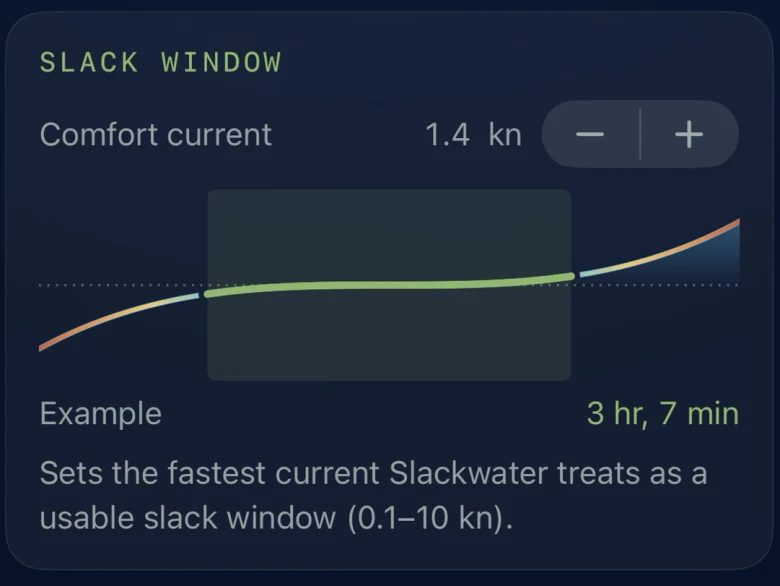
Set your comfort current
Open Settings, find Slack window, and set Comfort current to the fastest current you want to paddle in, anywhere from 0.1 to 10 knots. Every current curve then shows your slack windows in green: the stretch around each turn when the stream runs under your number.
The opening of a window is when you need to be at the pass, not the slack instant. Drag the timeline and it stops at each window's opening and closing, so you can read both times off the curve. With Premium, an alert can tell you when a window opens.
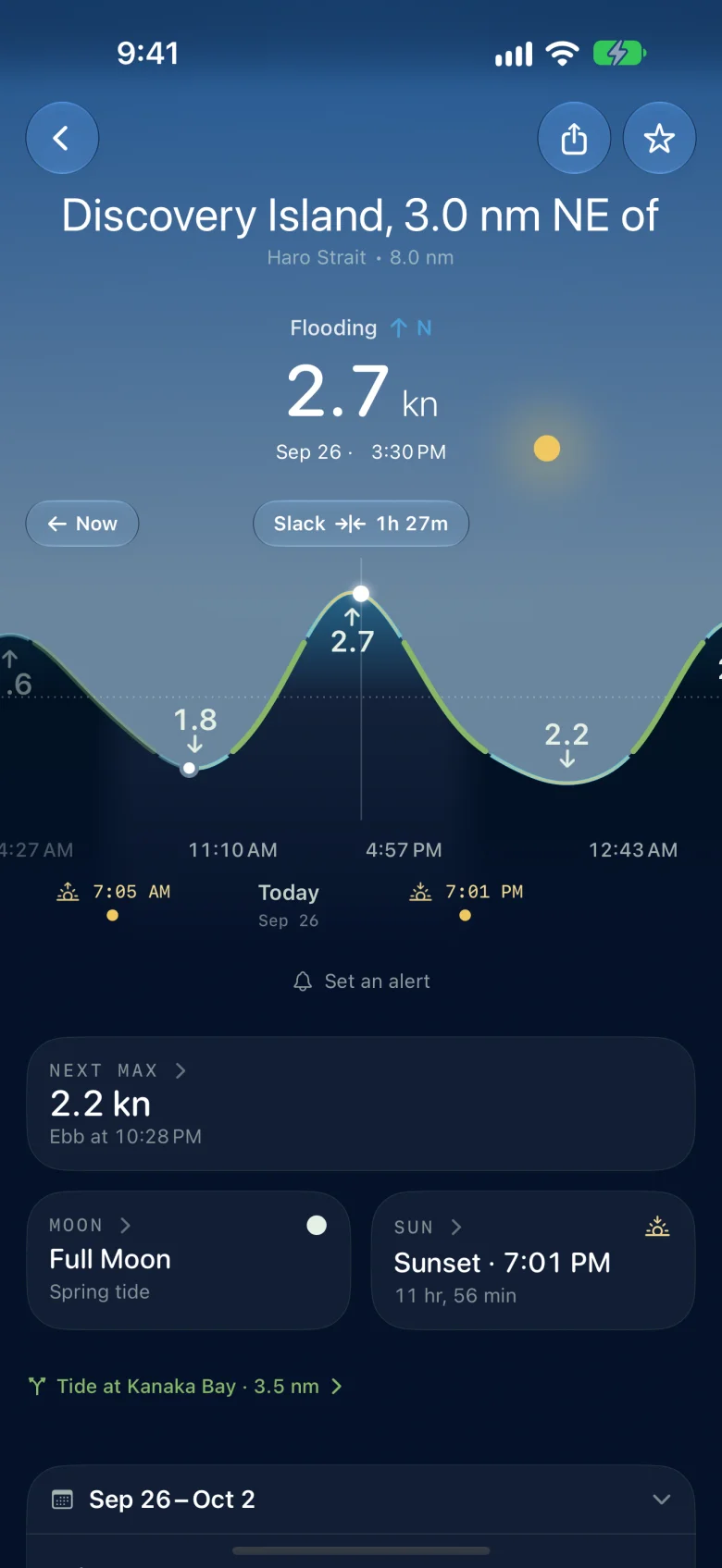
It works at the launch, with no signal
Bundled stations predict on your phone for any date, with nothing to load: tides around the world and currents across the United States. Close to the border your phone may roam onto the other country's network, and Slackwater does not need either one.
Canadian stations need one download from the Canadian Hydrographic Service while you have a connection, and then work offline. A few Canadian passes need a connection every time, and the app labels them. Set up your Canadian stations at home or at the dock.
The passes that decide the trip
Each pass guide gathers what the Sailing Directions say about the pass, with its predictions beside it:
- Active Pass, between Galiano and Mayne Islands
- Dodd Narrows, south of Nanaimo
- Gillard Passage, by Stuart Island
- Sechelt Rapids, at Skookumchuck Narrows
- Seymour Narrows, in Discovery Passage
Check that the place you paddle is covered in the station directory.
On your wrist and your home screen
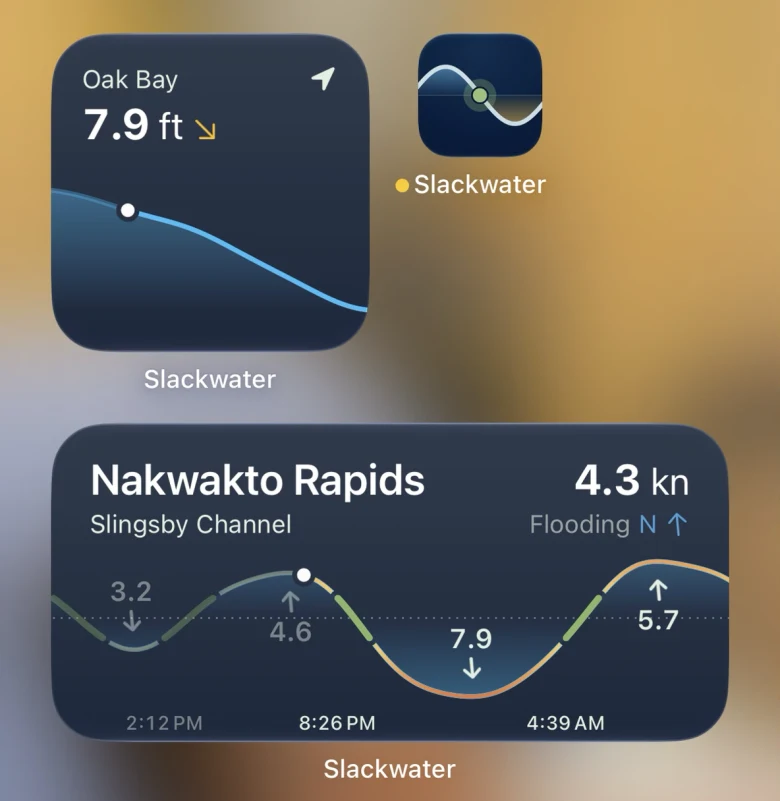
The Apple Watch app works without your phone: turn the Digital Crown to move through the day. Home screen widgets show the next high, low or slack and today's curve, for where you are or a station you pick. Both are free.
Plan with it, then read the water
Predictions are not observations. Wind against current, swell and river outflow change what a pass does, and a prediction cannot see them. Keep the tide tables and current atlas you learned on, and use Slackwater to plan around them. Slackwater is not for navigation.
Free, with no account
Every station and every date is free, with no account and no ads, and the app is open source. Optional Premium adds alerts before the tides and currents you care about, station calendars, lock-screen widgets and Watch complications.
An Android version is in development. Join the Slackwater Android testers group to get test builds through Google Play.